01Choose a setting rather than an outcome
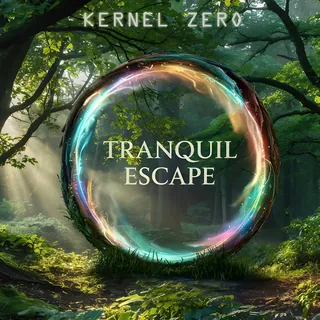
Kernel Zero offers two collections: Fast Coding and Tranquil Escape. Their names are part of the project’s artistic direction. They do not guarantee better concentration, productivity at work or any health effect.
The practical question is simpler: does this listening suit you at this moment? You can switch collections, lower the volume or pause. There is no need to finish a journey for it to be worthwhile.
02Set a duration before you begin
The ambient explorer lets you choose a preferred duration of fifteen, thirty or sixty minutes. It suggests complete tracks, so the time shown may be shorter than that target. It does not add artificial repetition to reach an exact figure.
You can still view the list in the playback queue. Playback stops at the end of the journey if repeat is turned off. You can also play a complete album or collection from its own page.
03Reduce visual distractions
The visualizer follows the sound being played. Its spectrum and waveform modes offer two different representations; they do not measure your attention. The animation button lets you pause them, and the site respects your browser’s reduced-motion setting.
If you want to read a journal entry while listening, simply close the immersive view. The player bar stays accessible and the music continues between pages. Volume and quality controls remain in the same place.
04Find a track without inventing a title
Several collections use numbered filenames. To make tracks easier to find, the site shows the collection name followed by the track number. The original name remains available in the button information; the music and order are unchanged.
The Ambient & focus page brings these collections together. The listening guide explains favourites, the two quality settings and ending a session, so your chosen setup stays easy to adjust.
05Choose an ending, then decide when to return
In Tranquil Escape, track numbers are simple reference points for finding a piece again. You can build a short sequence, then choose to pause at the end of a track, or set a timer in the settings. You do not need to work through a whole collection in one sitting.
If you want to return to the same passage, enable the locally saved listening position. If you prefer a different starting point on each visit, leave this option off. This way of organizing listening makes no claim to improve concentration: it simply lets you decide the duration, continuity and role of the images. Find every control in the listening guide.